What Users Experience
- Delayed replies in Telegram chats
- Repetitive questions going unanswered
- No structured way to get accurate information
- Conversations that do not lead to action
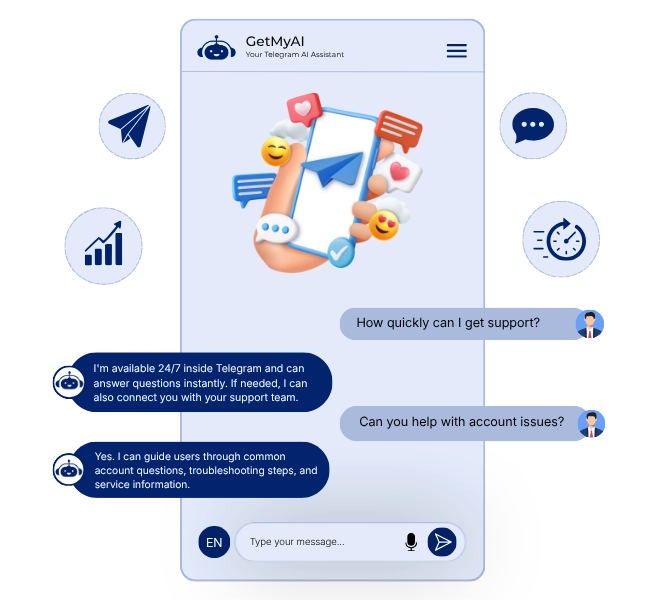
Using AI in Telegram directly improves communication efficiency and scalability.
Most Teams Cannot Manage Telegram Interactions in Real Time
Telegram is widely used for communication, but most businesses handle conversations manually. Users ask questions, but without automation, responses are delayed, inconsistent, or missed entirely. This leads to poor user experience and lost engagement opportunities.
Get StartedAn Intelligent Assistant That Works Inside Telegram
It operates directly inside Telegram conversations, responding to users using your trained content, Q&A, and documents. Instead of redirecting users to other platforms, it understands intent, delivers accurate responses, and maintains conversation flow inside Telegram.
Get StartedA modern AI chatbot for Telegram goes beyond answering questions by managing conversations, understanding intent, and guiding users toward meaningful outcomes without manual effort.
Respond the moment a message is received, without delay.
Provide responses using trained documents, Q&A, and knowledge.
Automate frequently asked questions without human involvement.
Operate across both individual conversations and shared environments.
Keep conversations consistent without requiring users to repeat information.
Handle increasing conversation volume without delays or degradation.
From first message to resolution, your AI agent manages every interaction in real time. This is how a Telegram chatbot for business works in practice.

A user starts a conversation inside Telegram.
The AI processes the message using trained content.
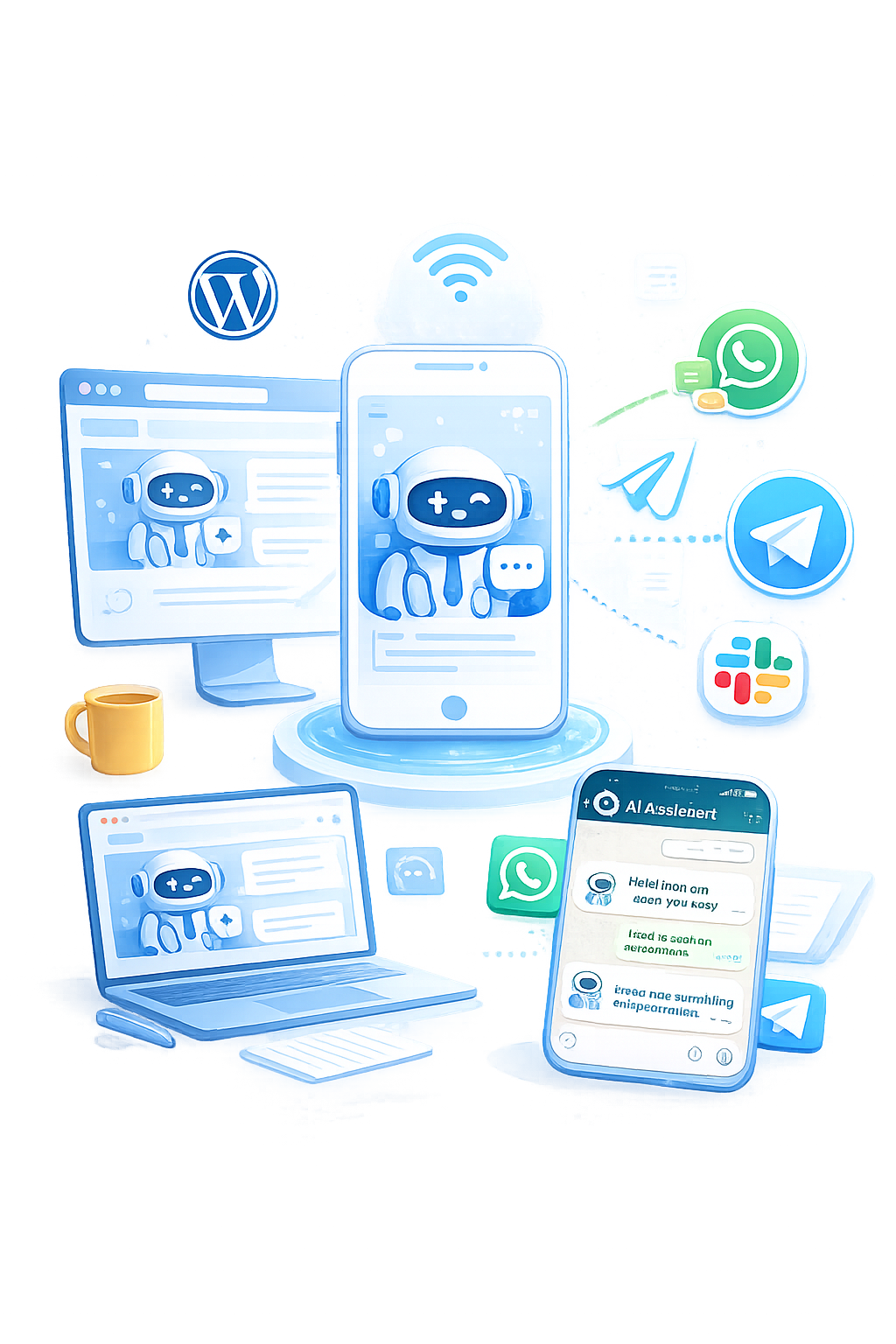

The agent replies instantly with relevant information.
The user asks follow-up questions or proceeds toward action.
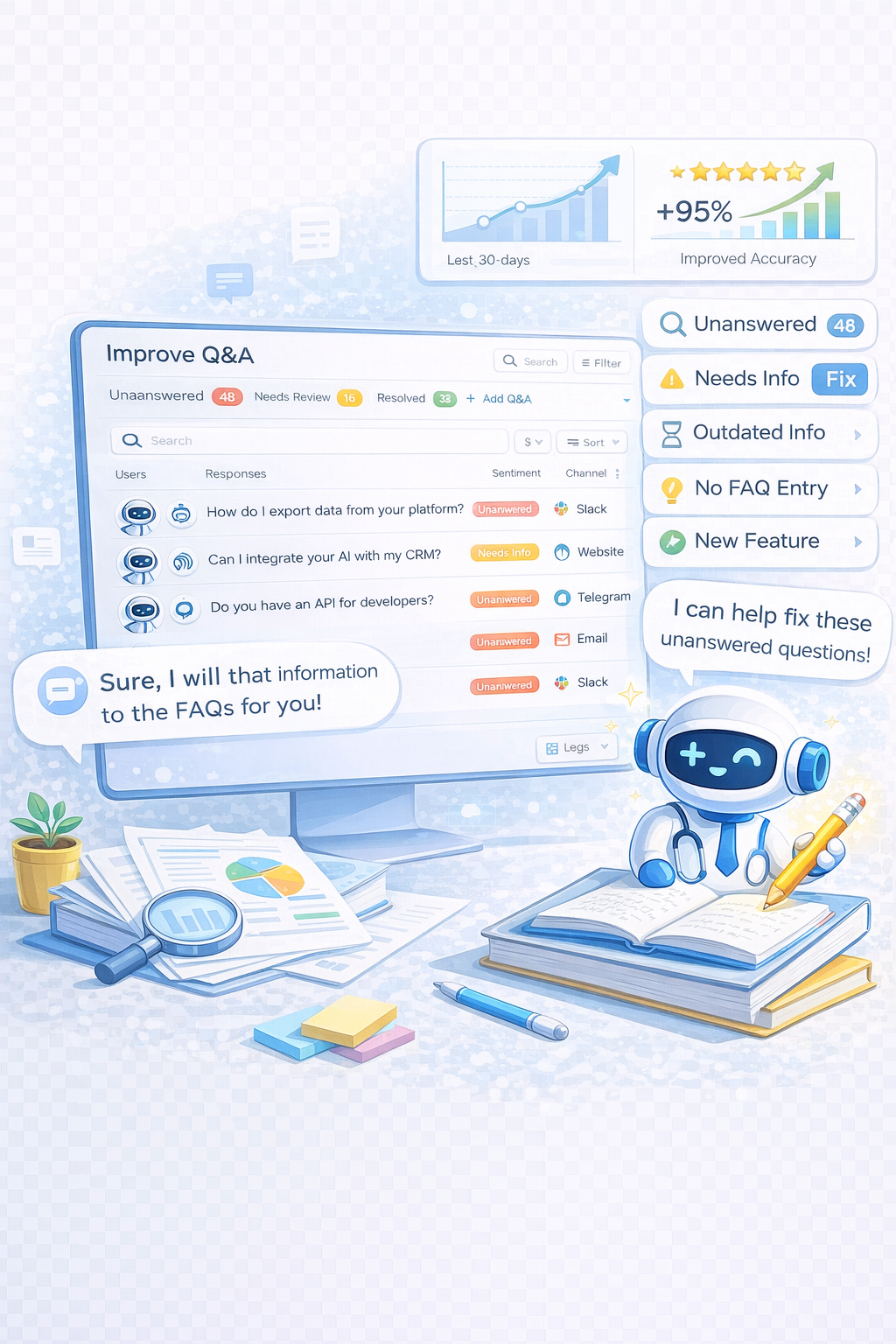
If unanswered, the query is flagged for Improvement.
GetMyAI is designed to manage real conversations, not just respond to messages.
If you're setting up Telegram integration, the process is simple and does not require coding.

Use BotFather to generate a bot and token.
Paste the token inside the Connect section.
Users can now message your AI agent inside Telegram.
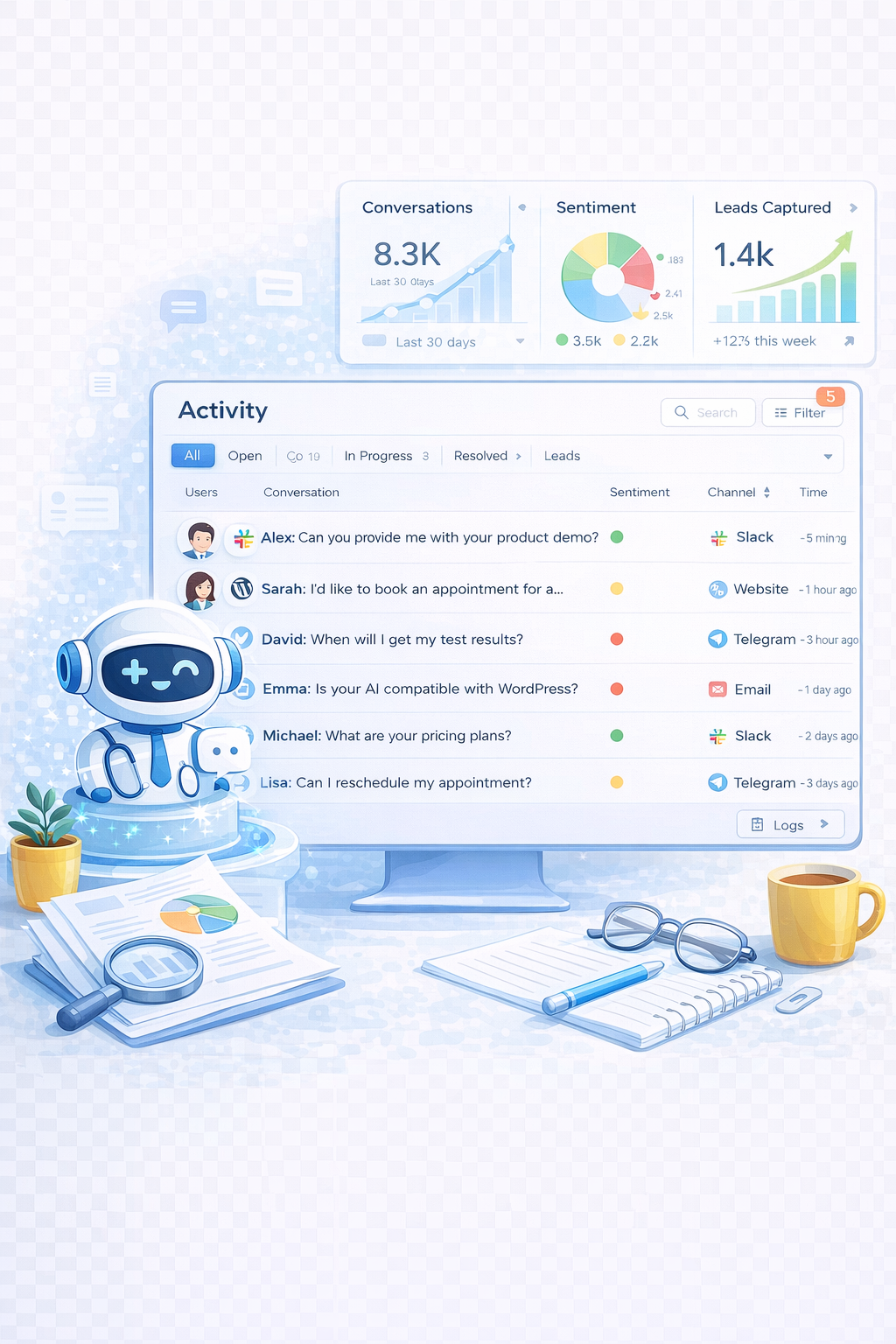
All conversations appear in Activity for inspection.
Unanswered questions are added and refined.
A unified platform to deploy, manage, and optimize AI agents across messaging environments.
GetMyAI enables businesses to deploy a chatbot for Telegram groups and direct conversations that operate consistently and scale without complexity.
Get StartedManage Telegram alongside other channels from one Dashboard, ensuring consistent control, visibility, and coordination across all conversations.
Generate accurate answers using contextual understanding of user intent instead of relying on rigid keyword-based matching systems.
Refine responses continuously by analyzing real user conversations in Activity and improving accuracy through Q&A updates.
Track usage, engagement, and conversation trends over time to measure performance and optimize Telegram chatbot effectiveness.
Extend conversations seamlessly across WhatsApp, Slack, Telegram, and Instagram while maintaining a unified experience and consistent responses.
Create, train, customize, and deploy AI agents directly from the Dashboard without requiring any technical skills or coding.

The Telegram chatbot for communities is one that manages conversations, answers accurately, and improves using real interactions.
Yes. A Telegram chatbot in customer support can automate repetitive queries, provide instant responses, and reduce manual workload.
No. You can create a bot using BotFather and connect it from the Dashboard.
All conversations are stored in the Activity section for review and improvement.
Unanswered questions are flagged in Activity and improved using Q&A or updated documents.


Deploy AI agents that respond instantly, improve continuously, and manage conversations at scale inside Telegram.
Your users are already messaging. GetMyAI ensures every message gets a response.
Connect Telegram in GetMyAILive Demo