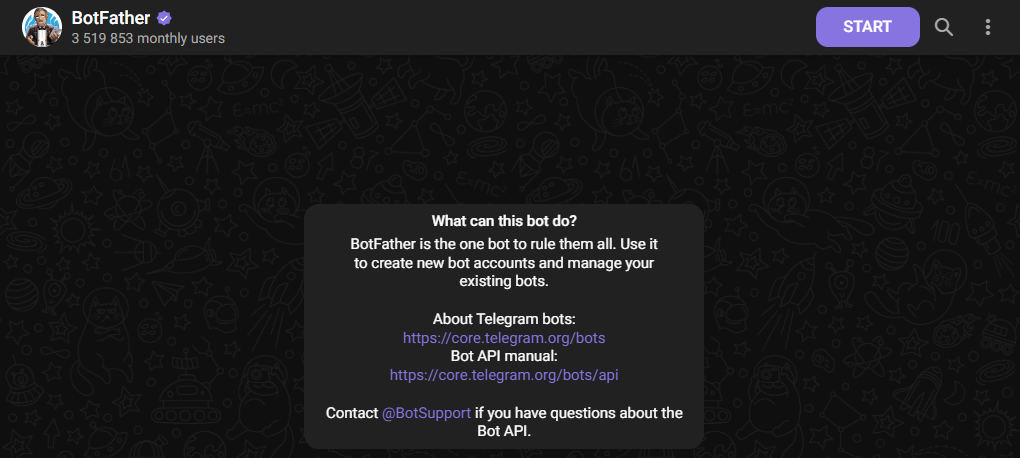
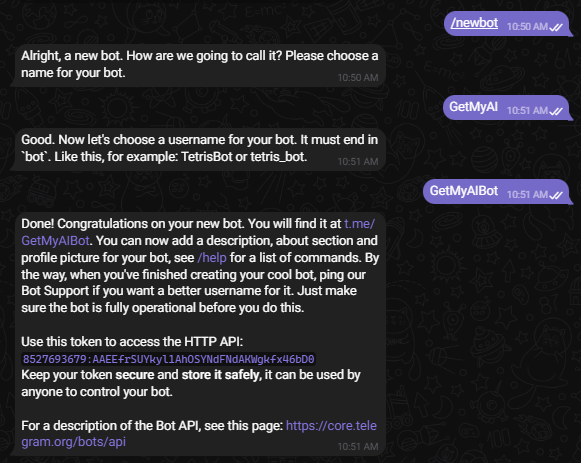
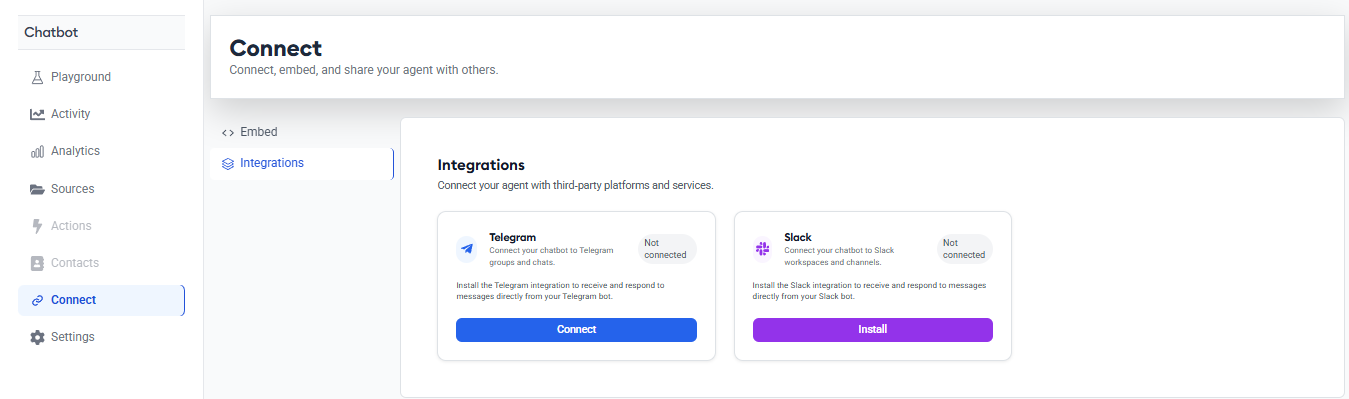
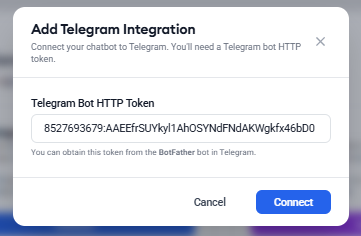
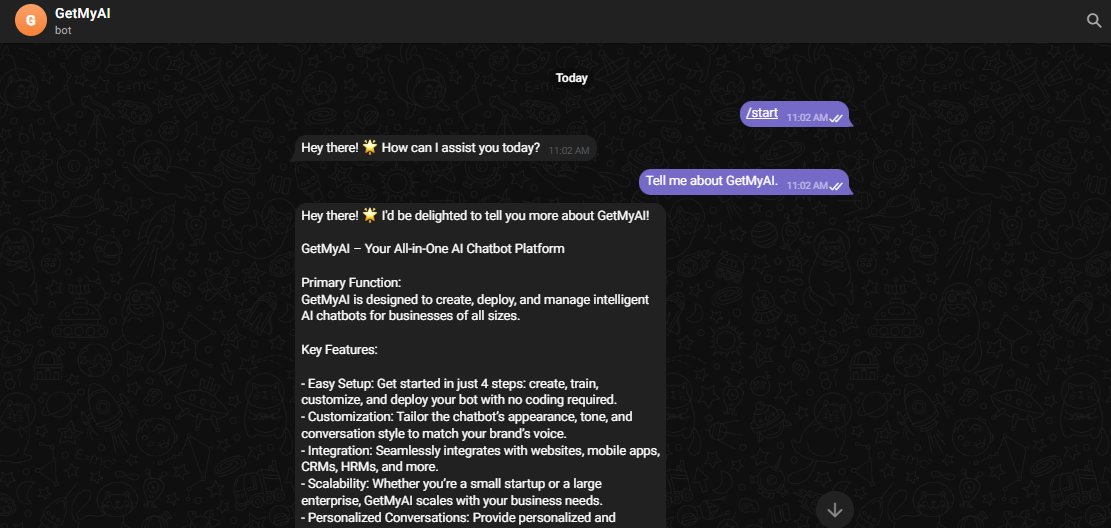
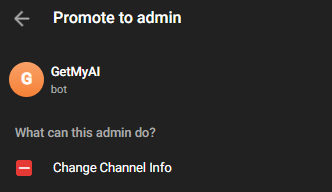
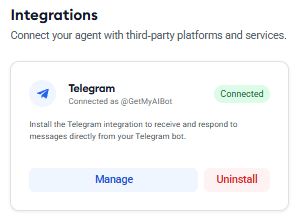
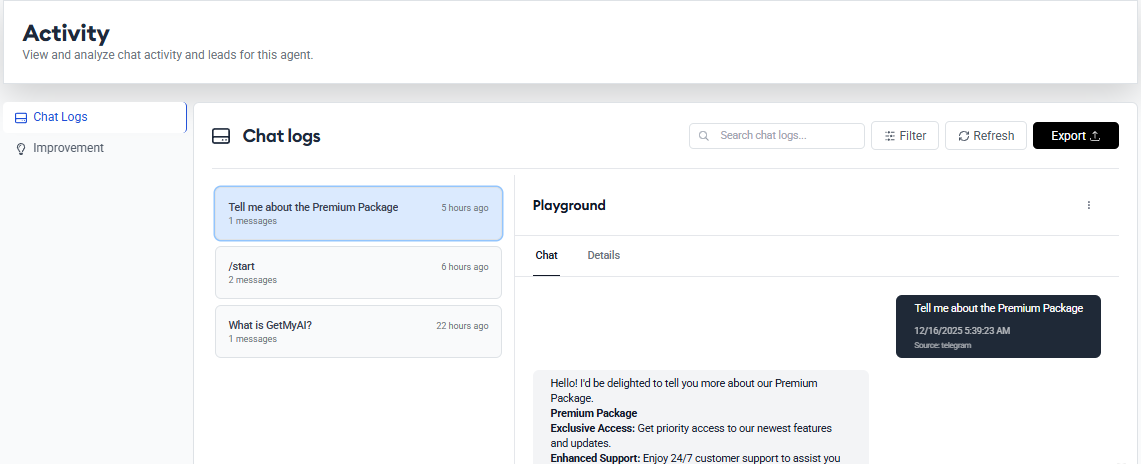
Telegram IntegrationStep 2. Connect the bot in GetMyAIStep 3. Test the experienceStep 4. Add to channels (optional)(i) Disconnect anytimeWhat Happens After Integration
Capture • Support • ConvertConversational AI AgentEngage visitors, answer instantly, and turn conversations into qualified leads—24/7.Powerful Capabilities24/7 AI SupportInstant responses anytimeLead QualificationIdentify high-quality leadsHuman-Like ConversationsNatural & engagingAppointment BookingSchedule seamlessly More Leads Happy Visitors Higher ConversionsGet Started FreeBook a Meeting
Recommend • Compare • ConvertAI ConciergeSmart shopping assistant that recommends, compares, and guides to the perfect purchase.Powerful CapabilitiesAI Product RecommendationsPersonalized suggestionsProduct ComparisonSide-by-side insightsPrice ComparisonFind the best dealsAI Buying AssistantYour 24/7 shopping guideCart & Checkout GuidanceReduce cart abandonment More Sales Better Decisions Happier ShoppersGet Started FreeBook a Meeting
Bring AI Closer. Drive Conversations.AI Visual AvatarHuman-like AI representative that builds trust and drives engagement through live avatar conversations.Powerful CapabilitiesLive Avatar ConversationsFace-to-face interactionsHuman Voice InteractionNatural & realisticProduct DemonstrationsShowcase with easePersonalized ConsultationsTailored for every visitor Build Trust Boost Engagement Drive SalesGet Started FreeBook a Meeting
Find • Qualify • Automate • CloseSales AI AgentFind the right prospects, qualify leads, automate follow-ups, and book more meetings effortlessly.Powerful CapabilitiesAI ProspectingFind high-quality leadsLead QualificationScore and prioritize leadsAutomated Follow-upsNurture on autopilotCRM IntegrationSync with your favorite tools More Meetings More Deals Less Manual WorkComing soonBook a Meeting