What Teams Experience
- Searching through channels for answers
- Waiting for responses from team members
- Repeating the same questions across conversations
- Losing context across discussions
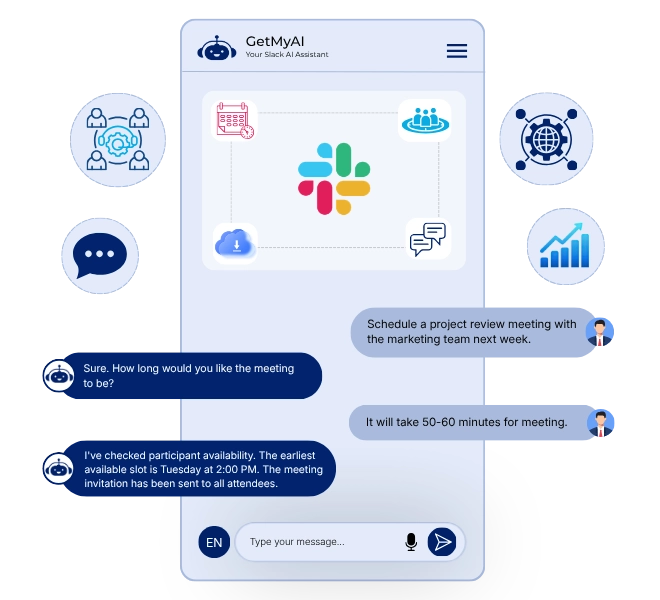
Using Slack chatbot for internal support directly improves productivity and operational efficiency.
Teams Struggle to Get Answers in Real Time
Slack is built for communication, but not structured knowledge delivery. Teams ask questions, but answers depend on availability, memory, or searching through past messages. This leads to delays, repeated questions, and lost productivity.
Get StartedAn Intelligent Assistant That Works Within Team Workflows
A Slack AI agent operates directly inside Slack channels and conversations, responding to team queries using your trained content, Q&A, and documents. Instead of relying on manual responses, it understands intent, delivers accurate answers, and supports teams without leaving Slack.
Get StartedA Slack chatbot for business goes beyond answering questions by supporting teams, improving workflows, and enabling faster access to knowledge without delays.
Provide immediate answers when questions are asked inside Slack channels.
Use documents and Q&A to deliver accurate internal knowledge responses.
Automate frequently asked internal queries to reduce repeated team interruptions.
Operate across Slack channels and respond to direct mentions seamlessly.
Deliver consistent responses across conversations without losing context or continuity.
Handle growing team usage efficiently without impacting response speed or performance.
From the first question to resolution, your Slack workflow automation AI supports internal conversations in real time.

A team member sends a question inside Slack channels or conversations.
The AI processes the query using trained knowledge and contextual understanding.
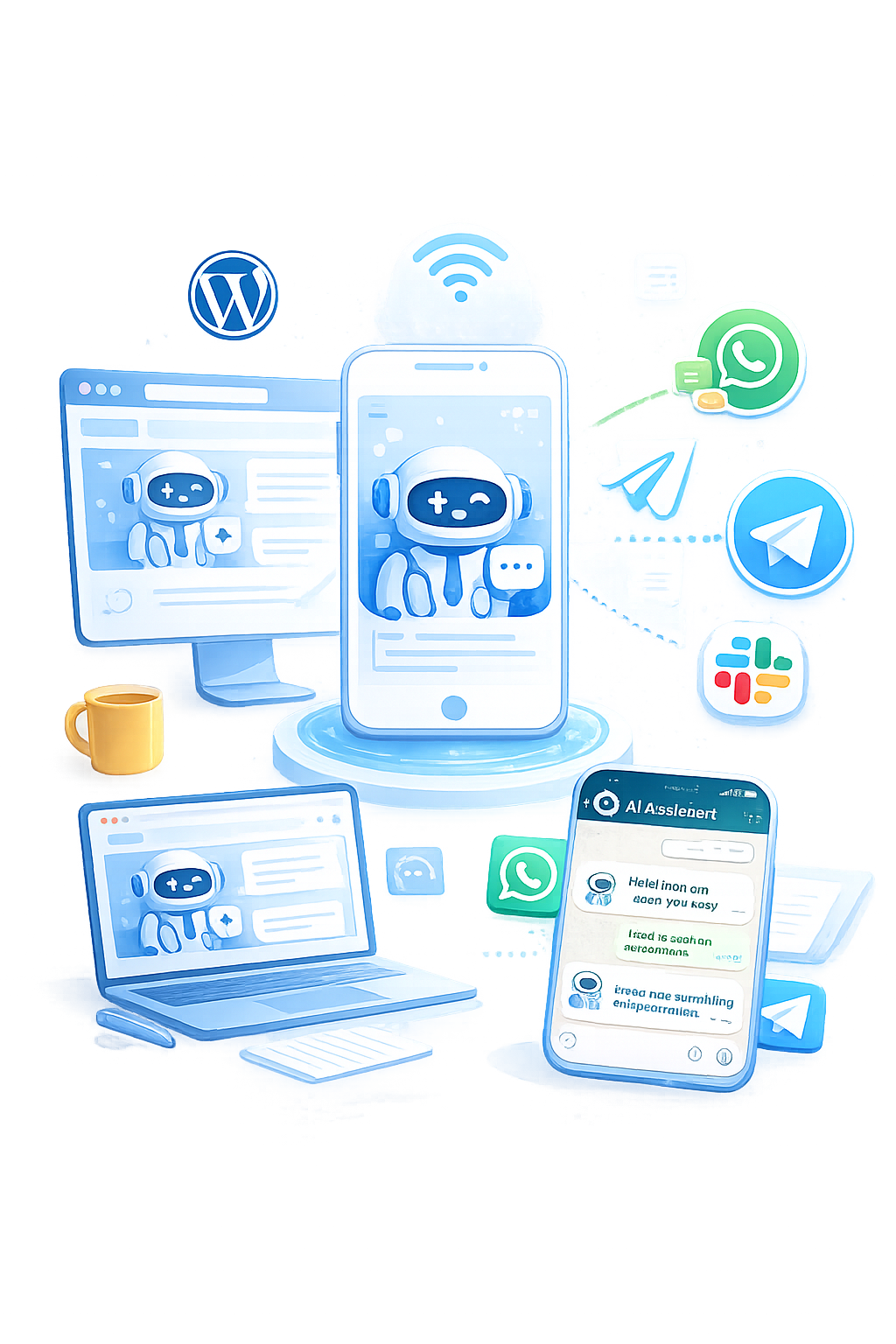

The agent replies instantly within Slack using relevant and accurate information.
Follow-up questions are handled smoothly without breaking conversation flow.
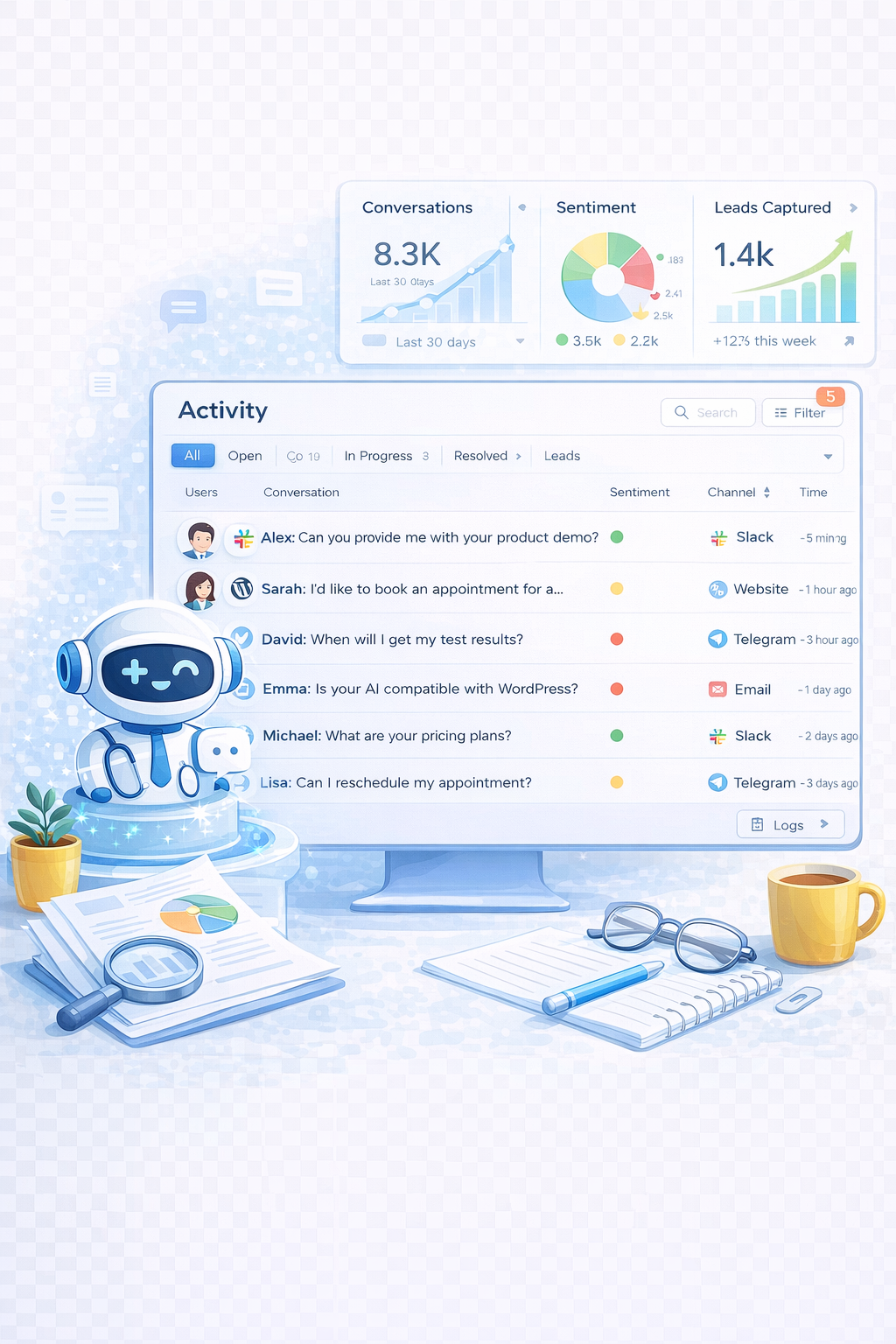
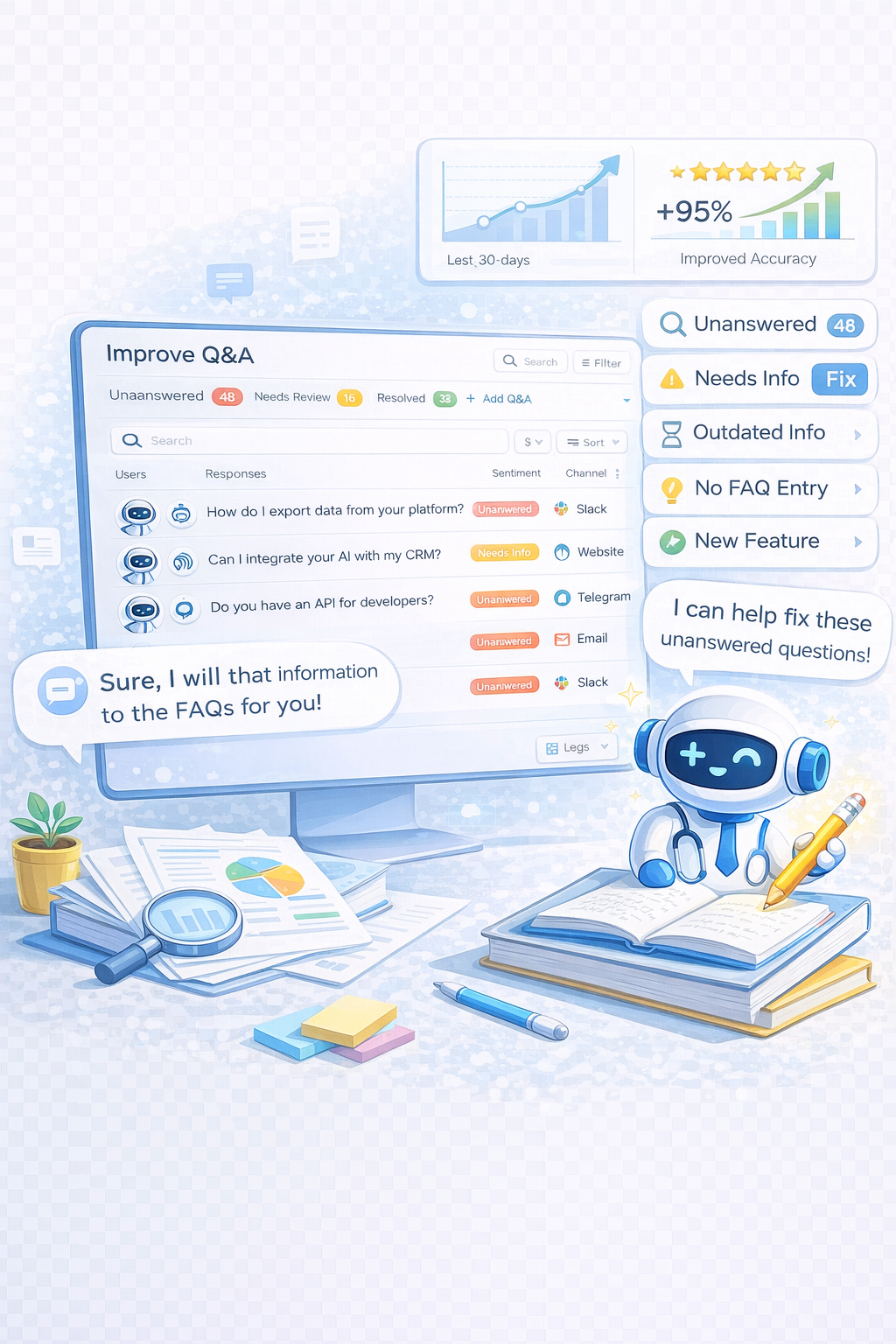
Unanswered queries are identified and flagged for Improvement in Activity.
GetMyAI is designed to support real internal workflows, not just conversations.
If you're setting up Slack integration, the process is simple and requires no technical expertise.
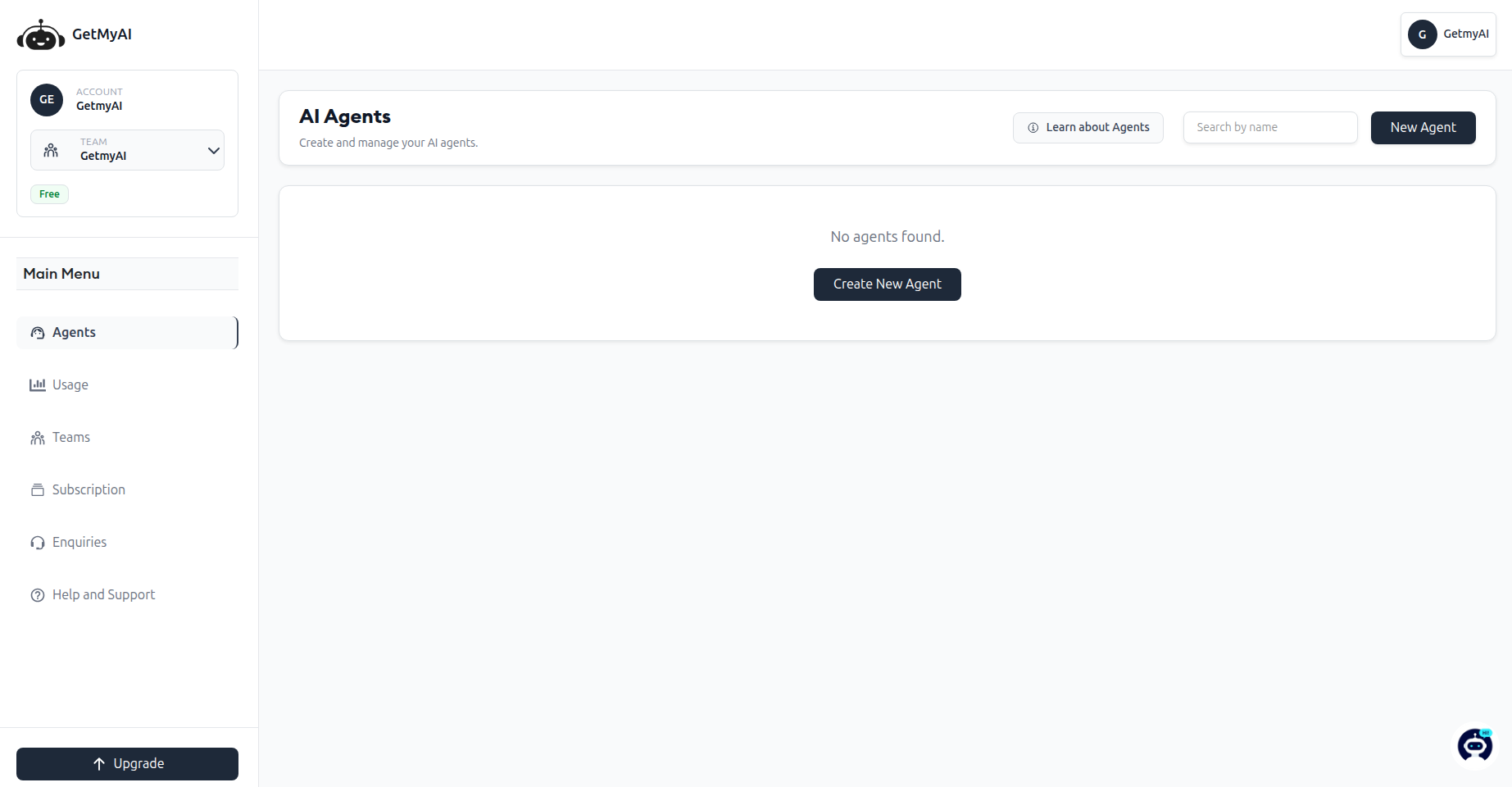

Open your AI agent from the Dashboard.
Click Install inside the Connect section.
Sign in and approve permissions.
Mention the bot in channels to begin conversations.
Review conversations in Activity and refine using Q&A.
A unified platform to deploy, manage, and optimize AI agents across internal communication systems.
GetMyAI enables businesses to deploy Slack AI agents that improve team productivity, automate internal support, and provide consistent access to knowledge.
Get StartedManage Slack alongside other channels from one Dashboard, ensuring unified control, visibility, and coordination across all conversations.
Deliver accurate responses using contextual understanding of user intent rather than relying on rigid keyword-based matching systems.
Refine answers continuously by analyzing real team interactions in Activity and improving responses through Q&A updates.
Track usage, engagement, and conversation trends over time to measure performance and optimize Slack interactions effectively.
Extend conversations seamlessly across WhatsApp, Slack, Telegram, and Instagram while maintaining consistent responses and unified user experience.
Create, train, customize, and deploy AI agents directly from the Dashboard without requiring any technical skills or coding.

It responds to messages inside Slack using trained knowledge, providing instant answers to team queries.
It automates repetitive queries, allowing teams to focus on complex or high-value tasks.
No. You can install and connect Slack from the Dashboard without coding.
All conversations are stored in Activity for review and improvement.
Unanswered questions are flagged and improved using Q&A or updated documents.

Deploy AI agents that support teams instantly, improve continuously, and scale internal operations.
Your team already communicates in Slack. GetMyAI ensures every question gets answered.
Get Started FreeLive Demo