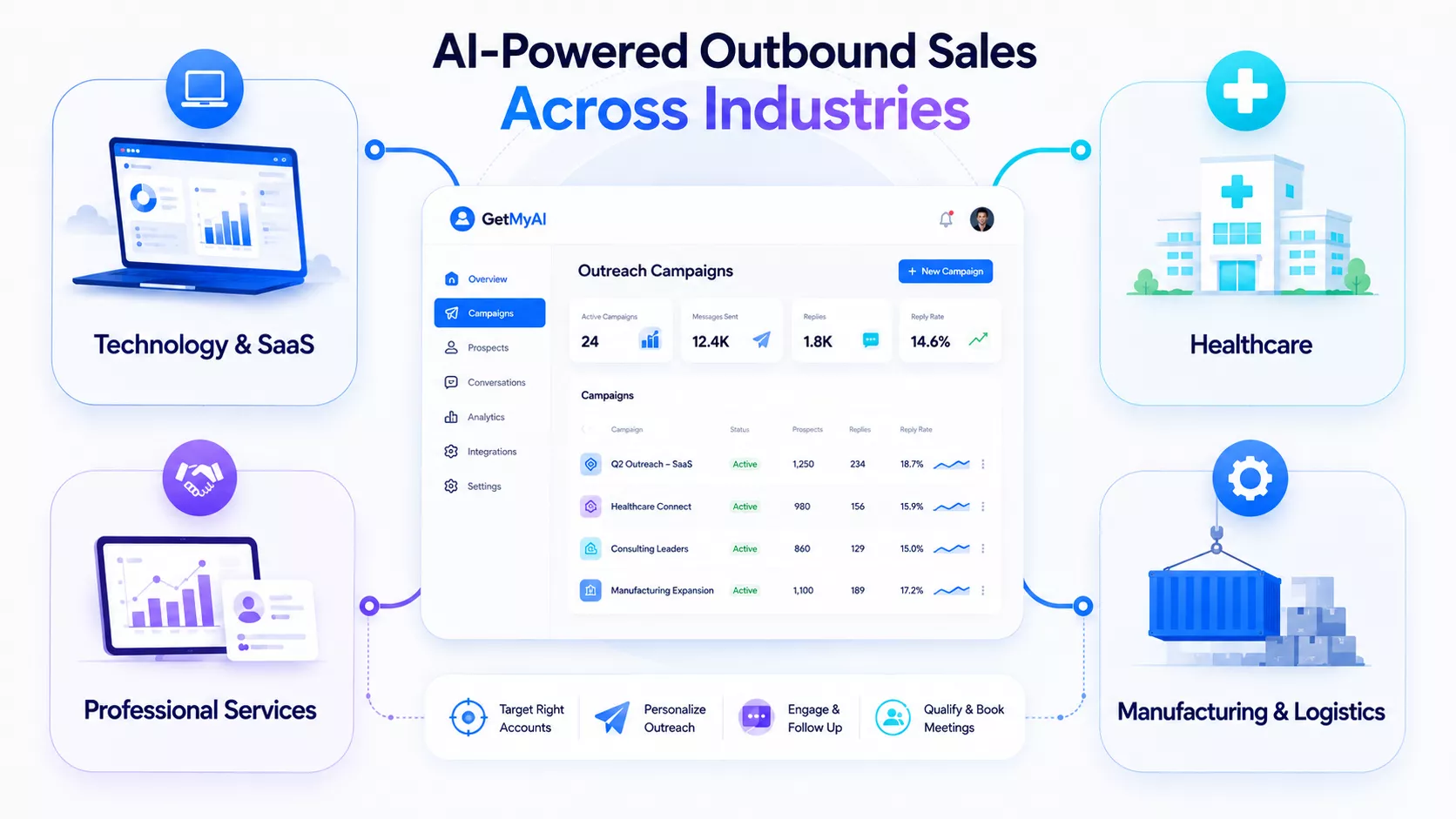
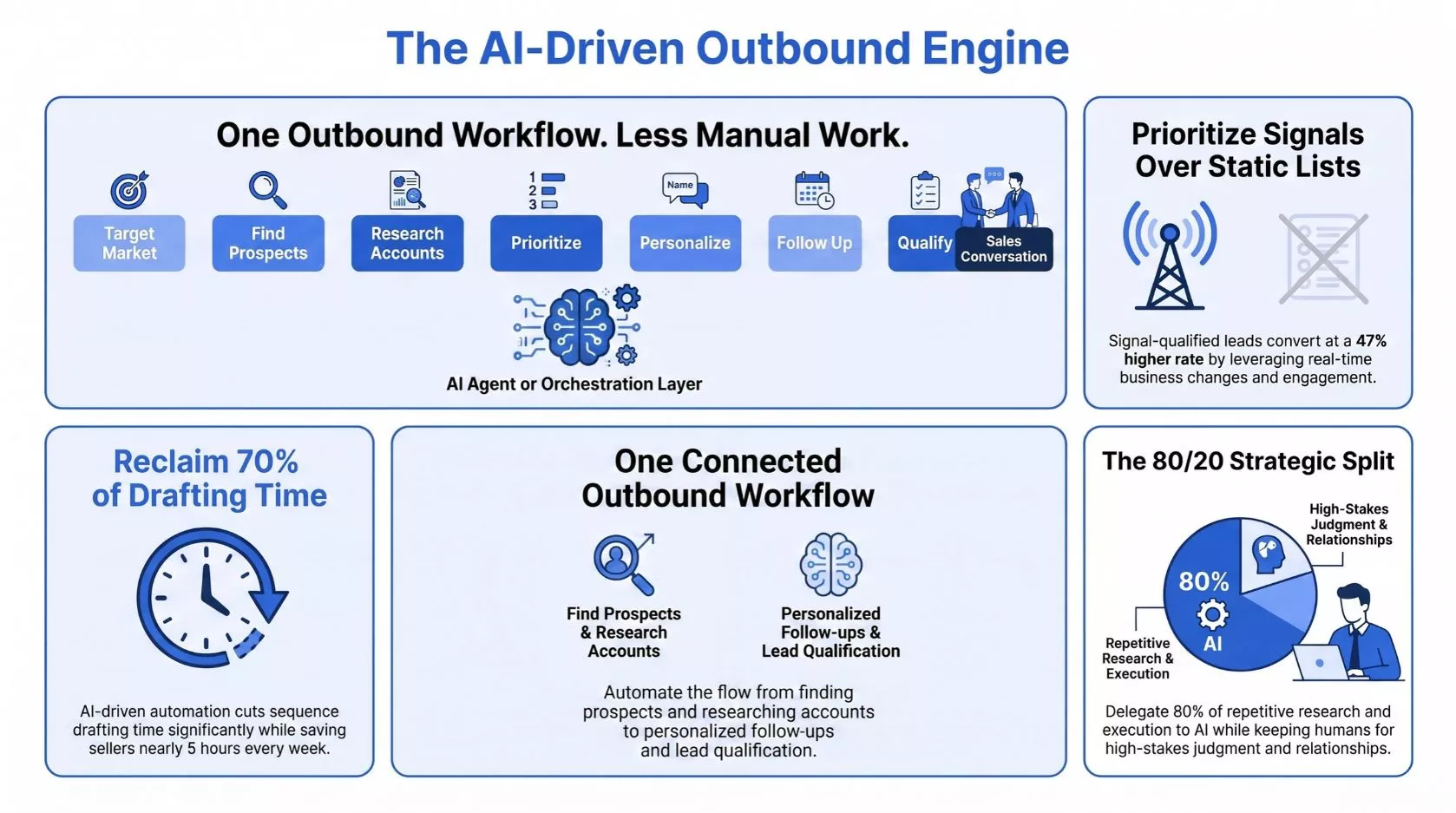
B2B outbound sales is becoming harder to manage manually. Sales teams still spend hours finding prospects, researching accounts, identifying decision-makers and keeping up with follow-ups. Benefits of AI in Sales go beyond saving time: better prospect research…
Experience Boost
Create. Deploy. Engage. With GetMyAI
Launch GPT-powered conversations that engage, support, and convert — all in one platform.
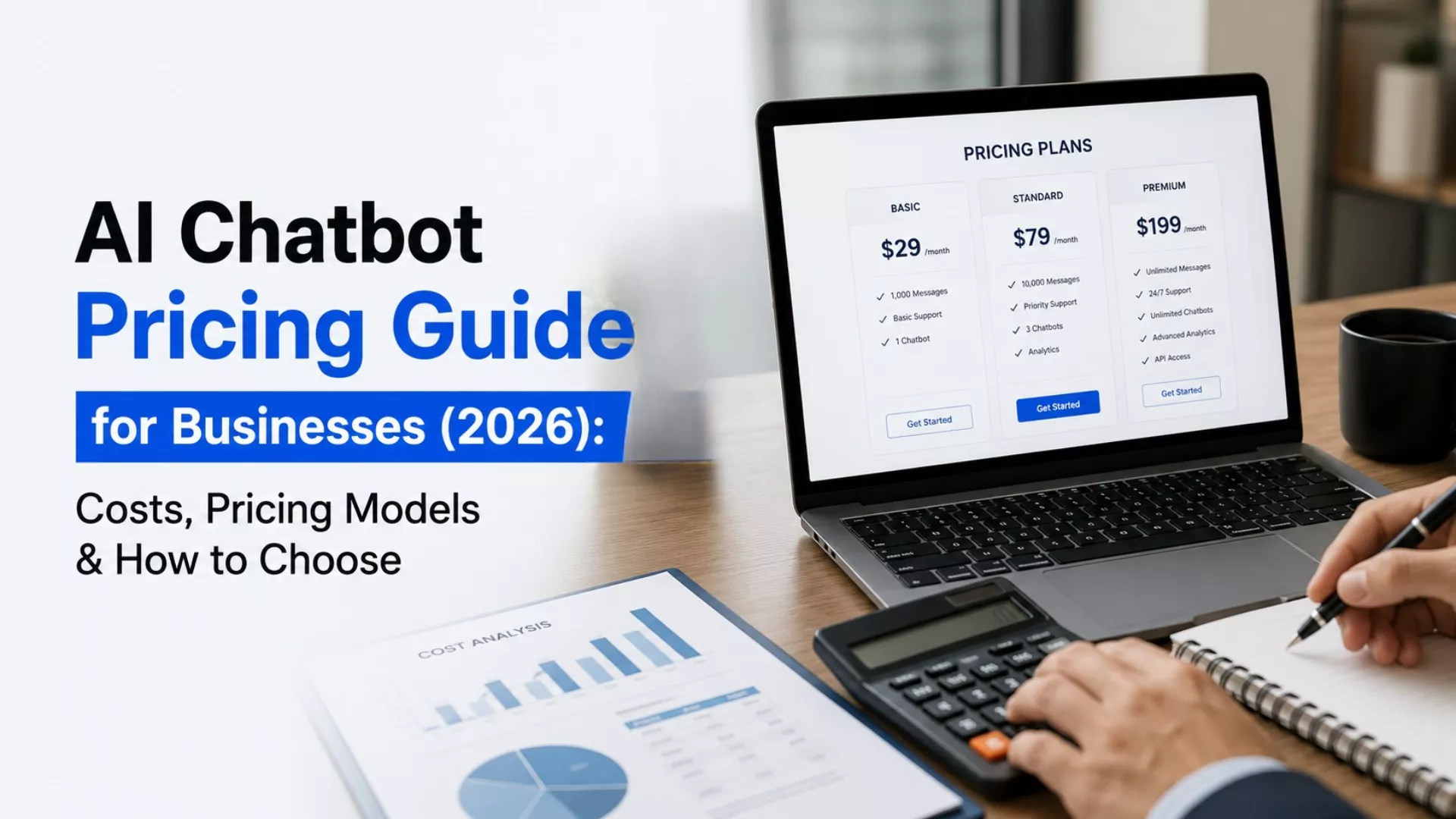
AI Chatbot Pricing Guide for Businesses (2026): Costs, Pricing Models & How to Choose
GetMyAI
Jan 12, 2026
AI chatbot pricing
AI chatbot cost
How much does an AI chatbot cost
AI chatbot pricing for business
AI chatbot cost per month
Key Takeaways
Choose an AI chatbot based on its operating cost model, not its advertised price, because subscriptions, custom builds and agency implementations create fundamentally different long-term financial commitments.
Evaluate the total cost of ownership before purchasing, since implementation, integrations, AI model usage, and maintenance often have a greater business impact than software licensing alone.
Match AI chatbot pricing to your organization's maturity, allowing teams to validate use cases, scale operations predictably and avoid costly platform migrations as requirements evolve.
Prioritize transparent pricing models that clearly define usage limits, overage policies, and include capabilities to improve budgeting accuracy and reduce unexpected operational expenses over time.
Invest in platforms that simplify deployment, centralize AI management and support future expansion, enabling businesses to increase automation without multiplying implementation effort or technology complexity.
At first, AI chatbot pricing seems straightforward. Monthly subscriptions, custom development quotes, and usage-based plans all promise similar outcomes. In practice, they represent very different acquisition models with different long-term costs. A subscription, an agency-built solution, and a custom AI implementation each distribute spending, ownership, and maintenance differently. Without understanding those differences, comparing prices becomes misleading, and choosing the right solution becomes much harder.
AI chatbot pricing typically ranges from around $20 per month for simple chatbot services to more than $250,000 for enterprise custom development. The total AI chatbot cost depends on whether you choose a subscription platform, custom build, agency implementation or API-based solution, along with implementation, integrations, AI model usage and ongoing maintenance.
Why AI Chatbot Pricing Feels Hard to Compare
Many businesses assume they are comparing similar AI chatbots when evaluating vendors. In practice, they often compare completely different acquisition models. One provider may offer a subscription platform, another may build a custom solution, while others price directly through AI APIs or managed agency services. Each option follows a different pricing structure, implementation timeline and ownership model, making AI chatbot pricing for business much harder to evaluate than it first appears.
The biggest source of confusion is that the term "AI chatbot" now covers products with very different operating cost models. A no-code platform, a custom-built application, an agency implementation and an API-based deployment may all solve similar problems, but they distribute costs differently across subscriptions, implementation, infrastructure and ongoing maintenance. Comparing them using only monthly fees creates an incomplete picture because the underlying investments are fundamentally different.
This is often called the architecture-price disconnect. The financial decision is no longer just about software. It is about choosing an operating model that determines how costs, maintenance responsibilities, and scalability evolve over time. Before comparing AI chatbot pricing plans, identify whether you need a subscription platform, a standalone chatbot service, custom development or an agency-built solution. Once those options are separated, pricing becomes far easier to evaluate and compare accurately.
Different Ways to Get an AI Chatbot (And Why Each Has a Different Cost)
The first step in understanding AI chatbot development cost is identifying what you're actually buying. A custom-built chatbot, a subscription platform and an agency-delivered solution have very different pricing models because they differ in implementation effort, ownership and ongoing maintenance.
Option
Best for
Typical investment
Time to launch
Ongoing maintenance
Custom-built chatbot
Large enterprises with unique workflows and strict requirements
High upfront investment
Weeks to months
High
AI chatbot platform
Most businesses that want to deploy and scale quickly
Monthly or yearly subscription
Minutes to hours
Low
Standalone chatbot service
FAQs, lead capture, or a single business use case
Low monthly subscription
Hours to days
Low
Agency-built chatbot
Businesses needing custom implementation without an in-house AI team
Project-based pricing
Weeks to months
Medium to High
Each model distributes costs differently. A subscription platform spreads costs over time, while custom development and agency projects require larger upfront investments before the chatbot goes live. API-based or custom solutions may also introduce separate infrastructure, integration, and maintenance expenses that are not included in the initial quote.
This is why comparing subscription fees alone often creates confusion. A platform charging $99 per month is not competing with a $50,000 custom development project. They solve different business problems, involve different ownership models, and deliver value in different ways.
Most small and mid-sized businesses do better with a subscription platform. It gets them live fast and keeps costs predictable. Larger enterprises are different. When they run specialized operations, proprietary systems, or strict compliance rules, a custom or agency-built solution often justifies the higher custom AI chatbot cost.
So, How Much Does an AI Chatbot Cost?
The cost of an AI chatbot depends primarily on how you acquire it. A subscription platform, custom-built chatbot, agency implementation, and API-based solution all have different pricing structures, implementation timelines, and ongoing ownership costs.
Acquisition model
Typical investment
Best suited for
Standalone chatbot service
$20–$300/month
Small businesses with simple FAQs, lead capture, or a single use case
AI chatbot platform (subscription)
$29–$300+/month
Most businesses are looking for predictable pricing, faster deployment, and ongoing scalability
Agency-built chatbot
$15,000–$300,000+ per project
Organizations that need tailored implementation but lack an in-house AI team
Custom-built chatbot
$50,000–$250,000+ depending on complexity
Large enterprises requiring proprietary workflows, deep integrations, or strict compliance
Enterprise AI cost analyses compiled from Gartner, Deloitte, and Forrester indicate that 58% of first-year conversational AI costs emerge after purchase, often through implementation, integrations, and ongoing optimization.
Enterprise implementation benchmarks show that knowledge preparation can account for 20%–30% of an AI chatbot project's initial budget, while deep integrations with CRMs, ERPs and other business systems typically range from $4,000 to $50,000, depending on complexity.
What You're Actually Paying For Beyond the Subscription
The advertised price is only one part of the AI chatbot cost. Whether you choose a subscription platform or a custom-built solution, the total investment depends on everything required to deploy, operate, and improve the chatbot over time. This broader view is often referred to as the total cost of ownership.
Depending on the deployment model, your costs may include:
Platform subscription or software licensing
AI model usage and message consumption
Knowledge base preparation and training
Integrations with CRM, helpdesk, or business systems
Security, compliance, and access controls
Team members, user management, and permissions
Ongoing monitoring, maintenance, and optimization
Cost ownership varies significantly across deployment models. Custom and agency-built chatbots separate expenses for development, integrations, infrastructure and ongoing enhancements, increasing chatbot implementation cost over time. Subscription platforms bundle many of these capabilities, making budgets more predictable and reducing operational complexity as businesses scale.
Free AI Chatbot vs Paid AI Chatbot Comparison: What Changes as You Scale
Free plans are designed for learning, not long-term operations. They let businesses explore features, test responses and understand how an AI assistant fits into their workflows before committing to a subscription. For many startups and small teams, this is the right place to begin.
Many organizations follow the same adoption path. They begin by testing a chatbot on a small website, expand it into customer support or lead generation once value is provenand eventually rely on it for business-critical workflows where reliability, governance and scalability become essential.
Free plans work well for
Businesses usually upgrade when
Testing an AI chatbot on a website
Message limits interrupt customer conversations
Low visitor traffic
More knowledge sources need to be trained
FAQs and basic support
Multiple team members need access
Evaluating usability before purchase
Reporting, integrations and governance become important
As chatbot usage expands, businesses typically connect more knowledge sources, business applications, and support workflows while adding analytics, governance and team collaboration. The challenge shifts from deploying a chatbot to operating it reliably as part of everyday business processes. When evaluating AI chatbot pricing for business, consider long-term scalability, security, and chatbot maintenance costs alongside the initial AI chatbot cost per month.
How to Evaluate AI Chatbot Pricing Without Getting Stuck Later
The advertised price is only one part of the equation. Before comparing AI chatbot pricing plans, understand how vendors calculate costs and what additional expenses may appear after deployment. Research shows that software licensing often represents only 15% to 25% of a chatbot's three-year total cost of ownership, with the remaining investment going toward implementation, integrations, AI model usage, maintenance and ongoing optimization. Evaluating the complete cost structure helps businesses avoid unexpected expenses as adoption grows.
Evaluate These Six Pricing Questions
1. What is included in the subscription?
Check whether AI agents, integrations, analytics, storage and support are included or require additional fees.
2. How does billing work?
Understand whether pricing is subscription-based, usage-based, per seat, per conversation, or credit-based.
3. What happens when you reach usage limits?
Review overage charges, upgrade paths, and whether service continues without interruption.
4. Which costs are separate?
Ask about implementation, integrations, knowledge base preparation, training, and ongoing support.
5. Will pricing remain predictable?
Choose a platform that scales without unexpected increases as conversations, users and AI agents grow.
6. How difficult is it to switch later?
Evaluate migration options, data portability and any long-term contractual commitments.
Buyer's Checklist
Before making a decision, ask yourself:
Are all recurring and one-time costs clearly explained?
Can I predict future costs as usage grows?
Are integrations and AI agents included in my plan?
Are message limits and overage policies transparent?
Can I migrate my chatbot without rebuilding everything?
Does this AI chatbot pricing for business match both current and future requirements?
Choosing the Right AI Chatbot Based on Your Business Stage
No single pricing model fits every organization. What works depends on how your business plans to use AI today, and how those needs might grow over the next year or two. Right now, 88% of organizations already use AI in at least one business function. Fewer than 10% have scaled it across a function. That gap says a lot. It means most companies still need a pricing model built for growth, not one built for a quick experiment.
Testing AI for the First Time: A free or entry-level subscription is usually sufficient to validate use cases, train a knowledge base, and measure user adoption with minimal investment.
Growing Customer Support: Look for predictable AI chatbot cost per month, higher conversation limits, analytics, and integrations that support increasing customer interactions.
Running Multiple Teams: Prioritize platforms that include multiple AI agents, role-based permissions, shared management and centralized reporting.
Scaling Across Departments: Choose solutions that allow you to expand knowledge sources, users, and integrations without migrating to another platform.
Operating in Regulated Industries: Security, governance, audit logs and compliance capabilities become essential alongside enterprise AI chatbot pricing, especially when handling sensitive customer or employee data.
The best pricing model aligns with your operational maturity, expected growth and internal resources, helping you scale AI without unnecessary complexity or unexpected costs.
What a Good Overall Chatbot Cost Model Looks Like Today
The best AI chatbot pricing model explained is simple. Combine a base subscription with usage limits or overage pricing that grows alongside demand. This keeps budgets predictable and avoids wild swings in AI model costs.
Look for pricing models that include:
Predictable monthly or annual subscription plans
Transparent conversation or usage limits
Gradual upgrades instead of steep pricing jumps
Clear visibility into overage charges
Minimal setup or onboarding fees
Flexibility to add AI agents, integrations or team members without rebuilding your chatbot
Pay for value. Not just access. That is what a strong chatbot software pricing model does. As usage grows, the price should stay clear and tied to what the chatbot delivers for you, without hidden implementation fees or billing surprises along the way.
How GetMyAI Fits Into This Pricing Reality
The discussion around AI chatbot pricing often assumes every new business function requires another chatbot purchase. That assumption breaks down once AI becomes part of everyday operations.
Inside the GetMyAI platform, businesses can create and manage multiple AI chatbots and AI agents within the same subscription, depending on their plan. Customer support, lead generation, appointment booking, internal knowledge management and other use cases can operate from a shared environment instead of being deployed as separate projects or managed across multiple tools.
This also simplifies long-term ownership. Knowledge bases, integrations, analytics, AI models and team collaboration remain centralized, making it easier to expand AI capabilities without rebuilding workflows or introducing another platform into the technology stack.
Rather than committing to a large custom implementation upfront, businesses can start with the use cases they need today and extend their AI ecosystem as requirements evolve, while continuing to manage everything from the same platform.
Choose Fit Over Price
Price and feature count will not tell you which AI chatbot is right for you. Fit does. Look at the complete cost of ownership, understand how pricing scales as you grow, and choose a platform built around how your team already operates. Get this right, and the chatbot becomes an asset you rely on for years.
FAQs
1. What is the average AI chatbot price?
The average AI chatbot cost ranges from $20–$300 per month for subscription platforms, while custom and enterprise deployments typically start around $15,000 and can exceed $250,000, depending on implementation complexity, integrations and compliance requirements.
2. What factors affect AI chatbot pricing?
AI chatbot pricing is influenced by the deployment model, implementation effort, AI model usage, integrations, security requirements, customization, conversation volume and long-term total cost of ownership, not simply the advertised monthly subscription.
3. Are custom AI chatbots worth the investment?
Custom AI chatbots are worthwhile when businesses need proprietary workflows, complex integrations or strict regulatory compliance. For most organizations, we recommend evaluating whether a subscription platform can meet current needs before investing in a higher custom AI chatbot cost.
4. How do businesses pay for AI chatbots: subscription, per seat or per conversation?
Modern platforms use several pricing models, including monthly subscriptions, per-seat licensing, usage-based billing, and per-conversation pricing. We recommend choosing the AI chatbot pricing model that matches your expected usage and provides predictable long-term costs.
5. What's included in enterprise AI chatbot pricing?
Enterprise AI chatbot pricing often includes platform licensing, security, governance, analytics, integrations, user management and support. Depending on the deployment model, businesses may also need to budget separately for implementation, customization, and ongoing chatbot maintenance.
We’ve noticed that a surprising amount of a sales rep’s day is still spent preparing to sell rather than actually selling. Building lists, researching accounts, finding the right contacts, writing outreach and chasing follow-ups can consume hours before a mean…
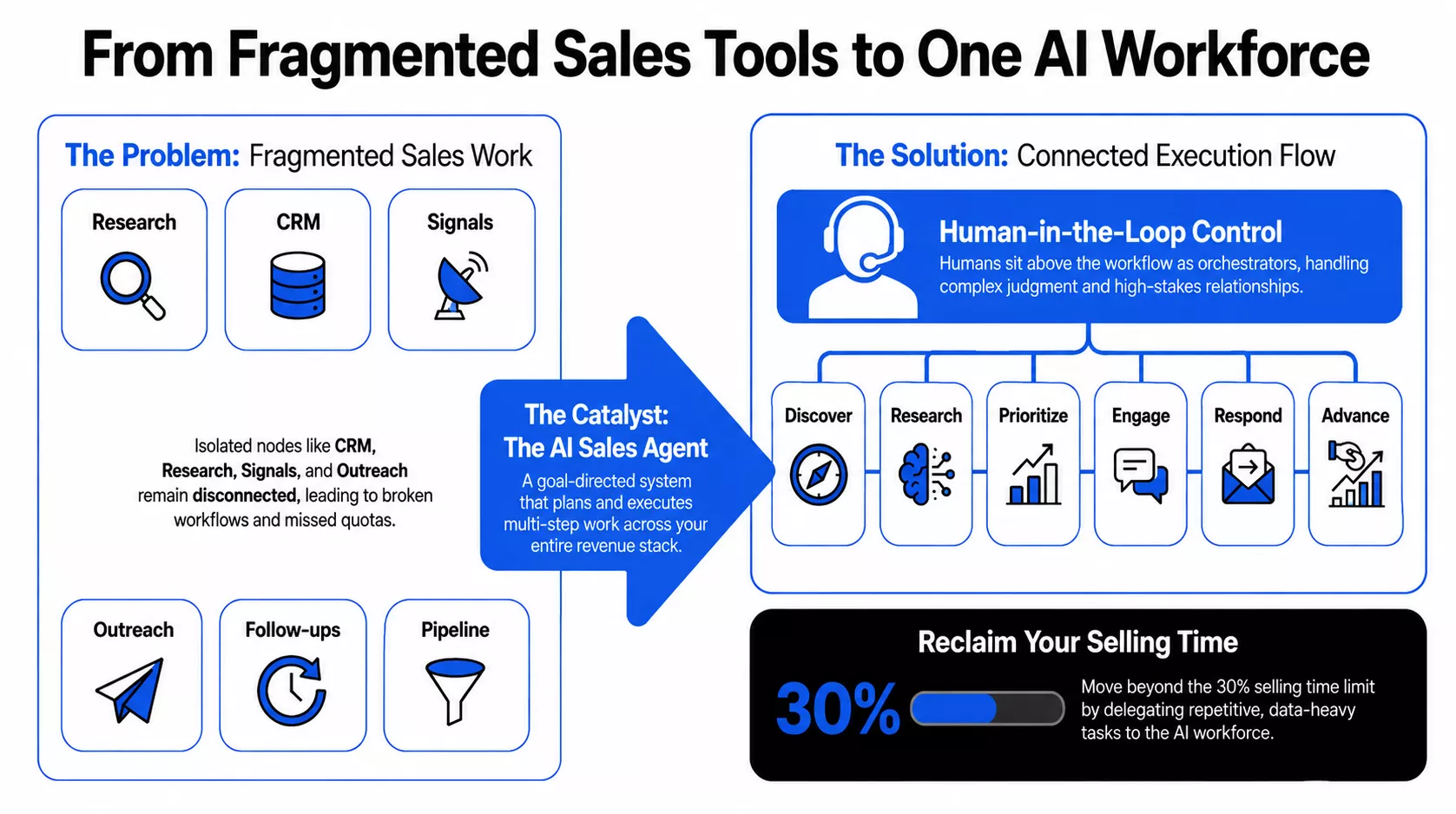
Sales teams have more AI than ever, yet the productivity problem remains. Sales AI Agents can take repetitive work off your team's plate, but adding another tool does not automatically improve execution. In 2026, 78% of B2B sellers missed quota in 2025, w…